Our Process
Wireframe first, then prototype
We documented the full system workflow before designing any screen. The
check-in flow has two entry points — Booking ID (no account required)
and Email login (for returning guests) — both converging at the same
reservation page and proceeding through an identical form and
verification flow.
Key design decision made early: the self check-in feature is always
one click away from the homepage via a persistent "Self Check-in"
button in the navigation, reducing the path to check-in to a single
action regardless of where the guest is on the site.
Wireframes → Hi-fi Prototypes
Every screen was wireframed in Figma before moving to high-fidelity. The
wireframes established layout and information hierarchy; the hi-fi
prototypes validated the visual language.
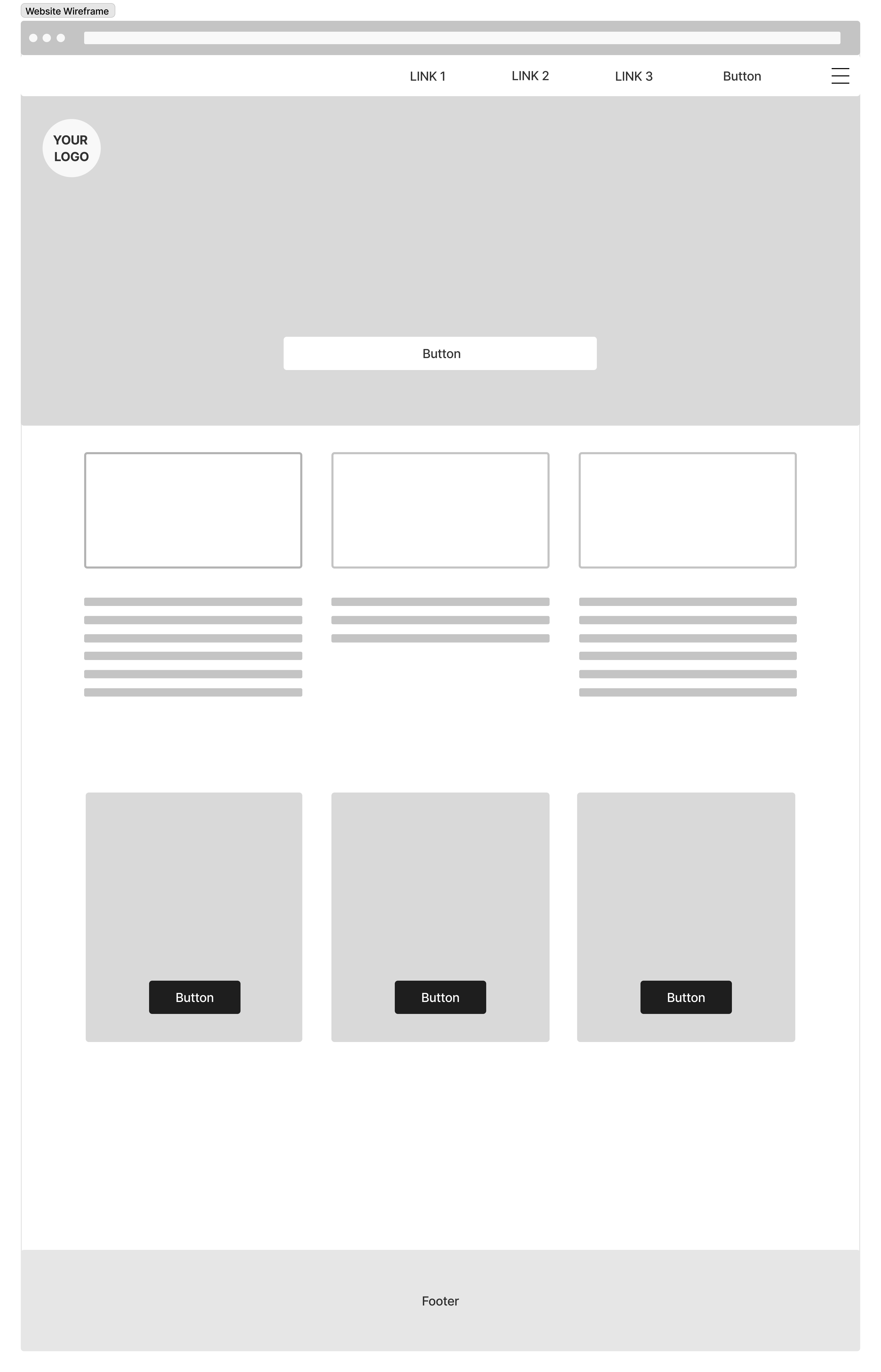
Wireframe — Home Page
Hi-Fi Prototype — Home Page
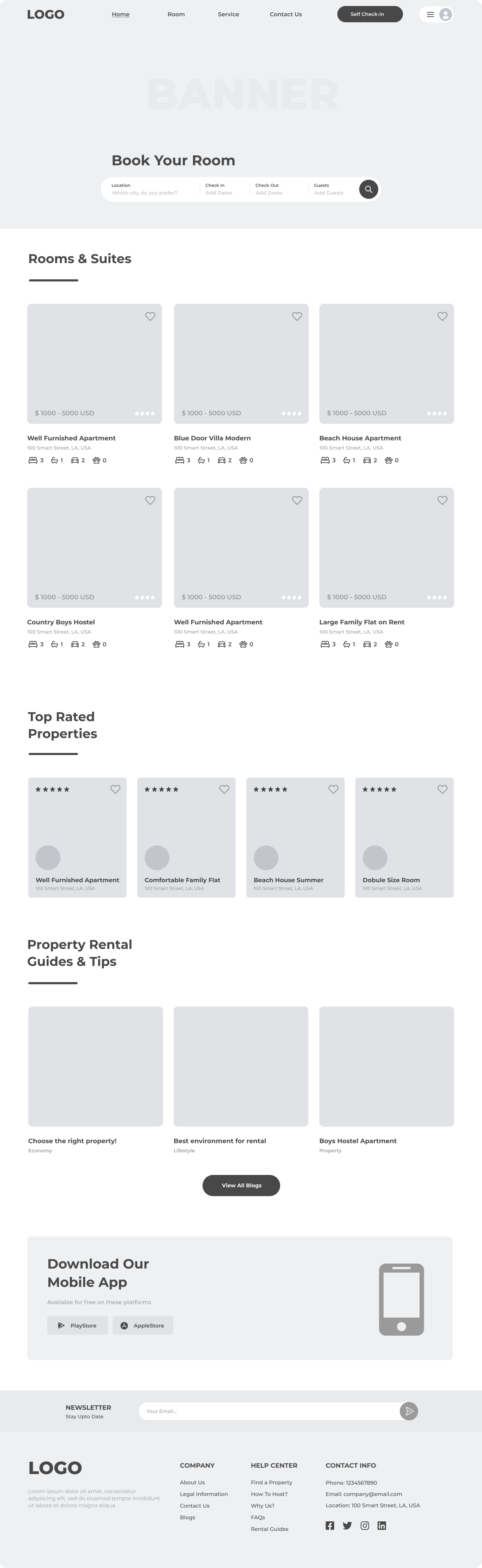
Wireframe established the 3-column room grid, search bar, and navigation
structure before any visual design decisions were made
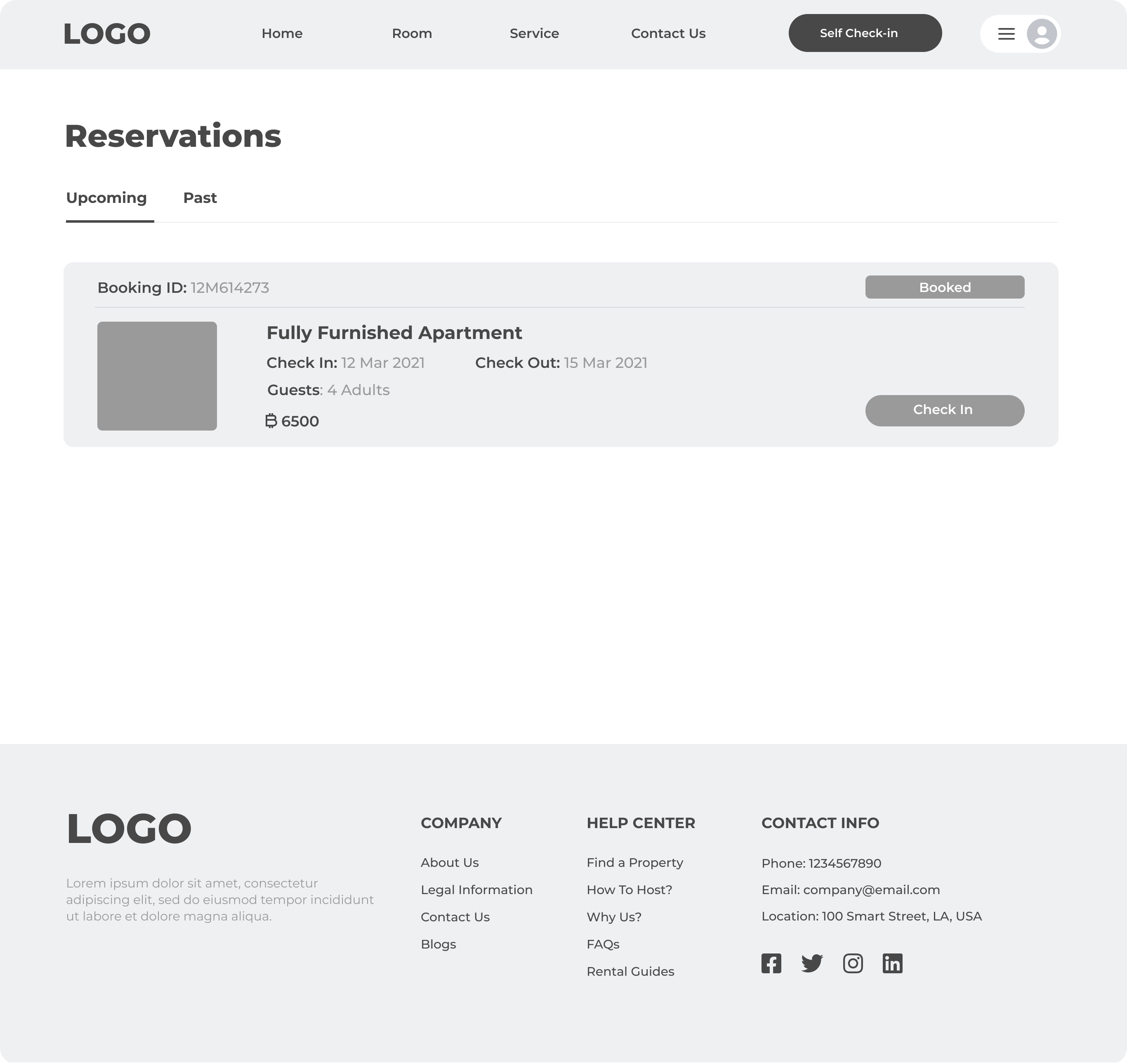
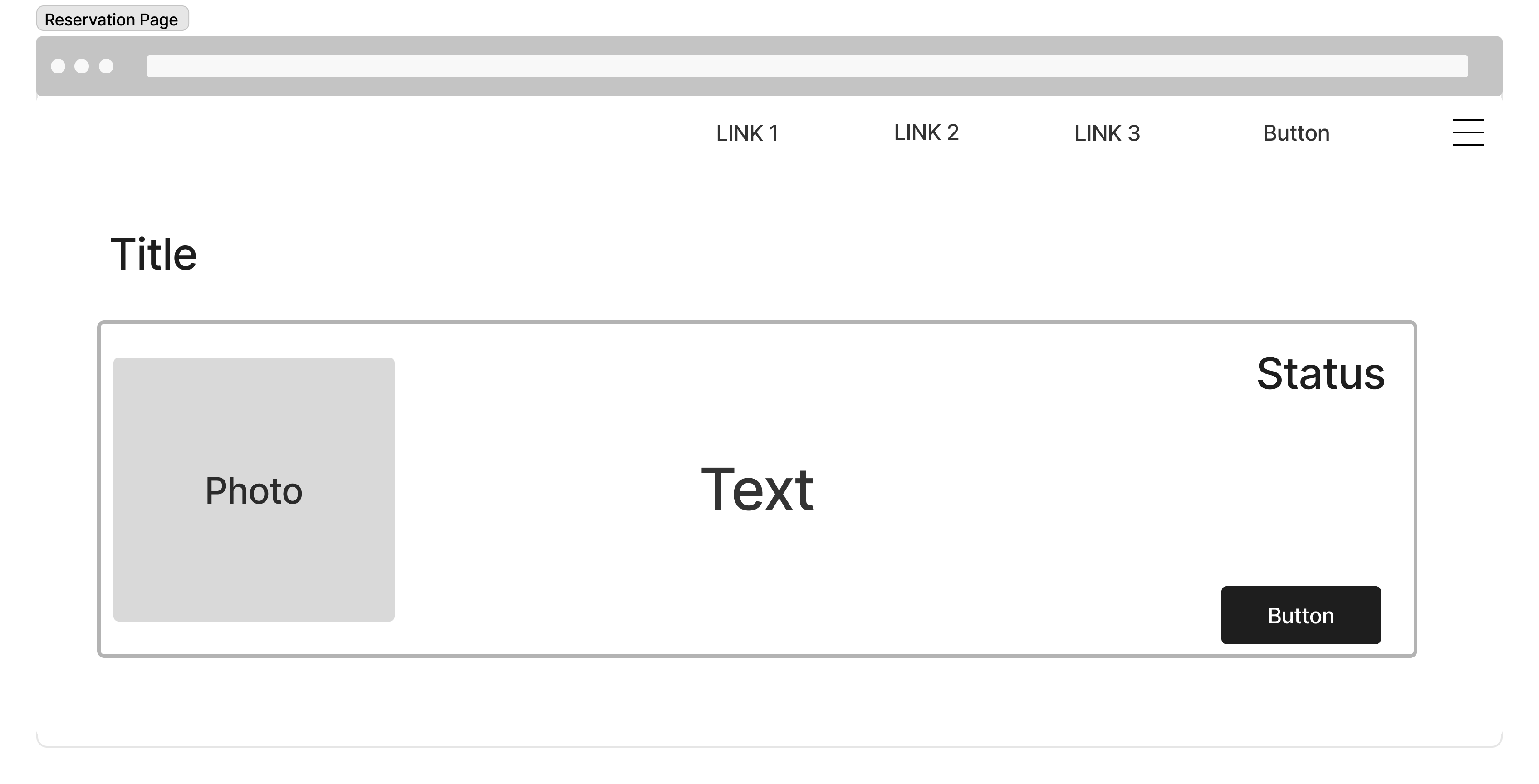
Wireframe — Reservation Page
Hi-Fi Prototype — Reservation Page
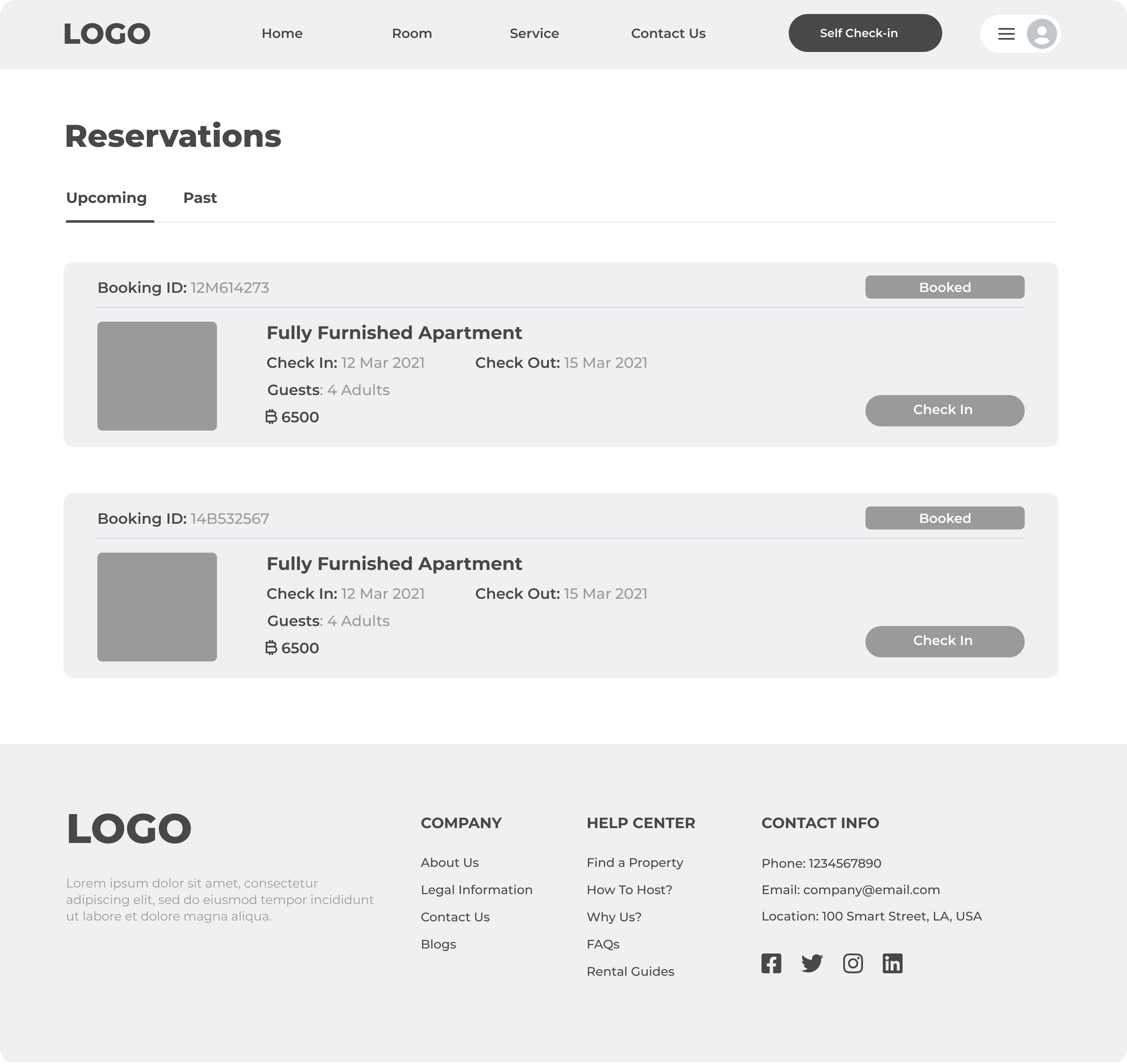
Wireframe defined the booking card layout (photo + details + status
badge + CTA) before visual treatment. The "Booked" badge and "Check In"
button positions were locked at wireframe stage.
01 — Define
Map the Workflow
Documented all user paths: homepage → check-in trigger → auth method
→ reservation → form → verification → confirmation.
02 — Wireframe
Layout First
Lo-fi wireframes for all 8 screens in Figma. Established information
hierarchy, form structure, and modal vs page decisions before any
visual design.
03 — Prototype
Hi-Fi in Figma
Applied visual design: clean monochrome palette, consistent form
components, modal overlays for check-in entry points to avoid full
page navigation.
04 — Build
Flutter + Dart
Implemented in Flutter with a Map<> data structure simulating
CiMSO ERP data — designed for clean API swap when live integration
is ready.
The Design
8 screens, 2 entry points, 1 seamless flow
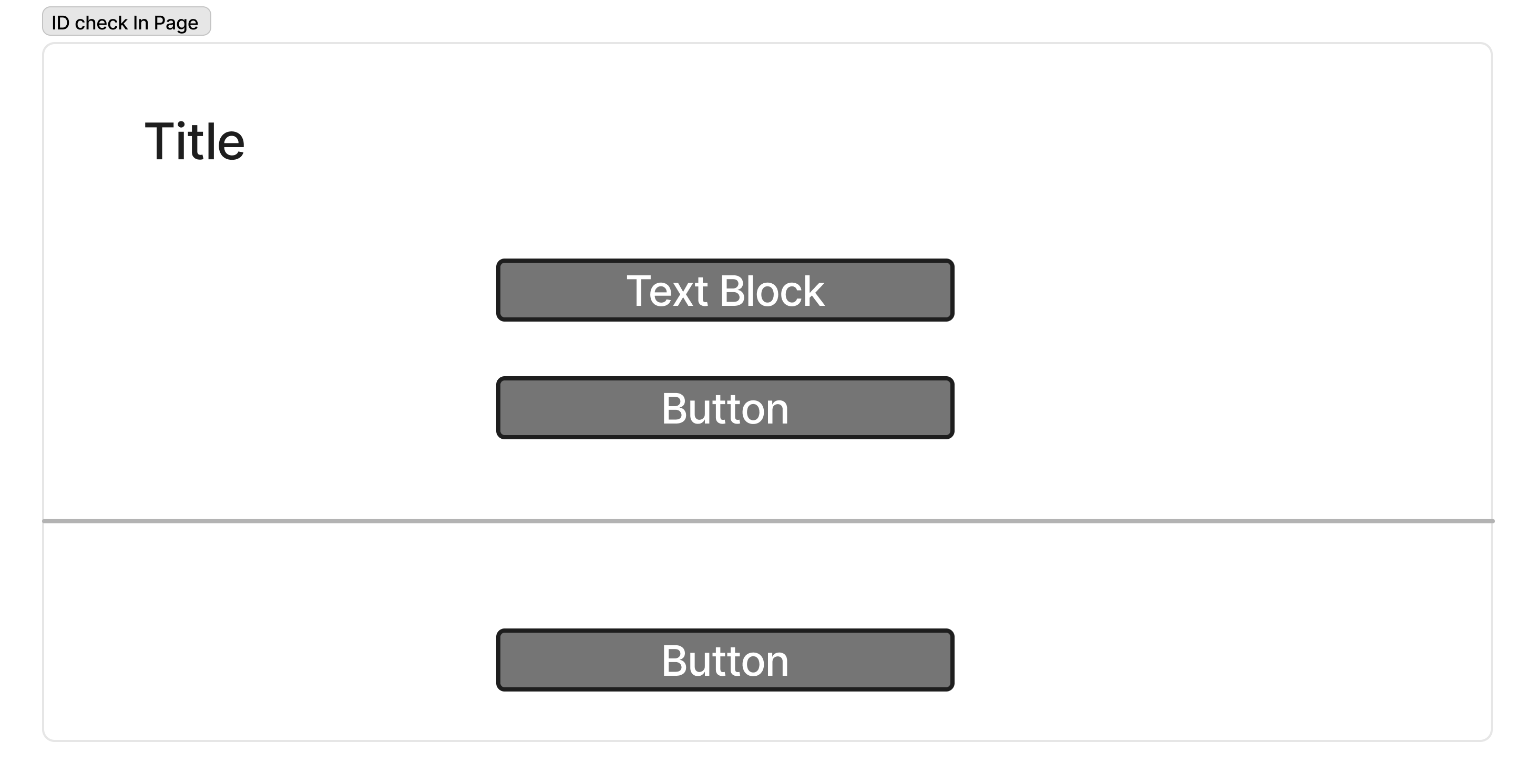
Entry Point 1 — Booking ID Check-in (no account required)
Guests without an account can enter their Booking ID directly. The modal
appears over the homepage without full-page navigation — reducing
friction and preserving context. Two options are offered: continue with
Booking ID, or continue with Email (which routes to login).
Wireframe
Hi-Fi
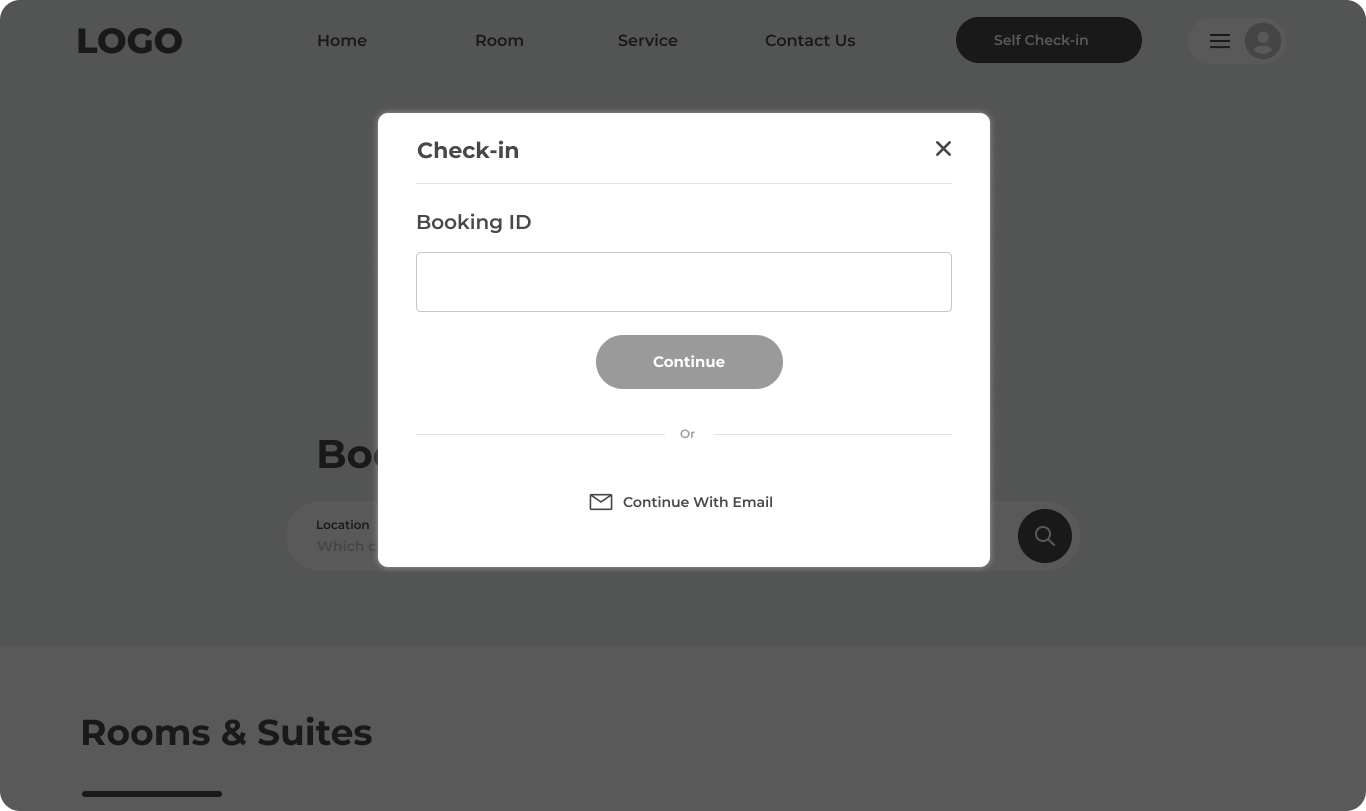
Check-in modal: Booking ID field + Continue, with "Or Continue With
Email" as a secondary path. Modal overlay keeps the homepage visible
behind, reinforcing context (Nielsen: Visibility of System Status)
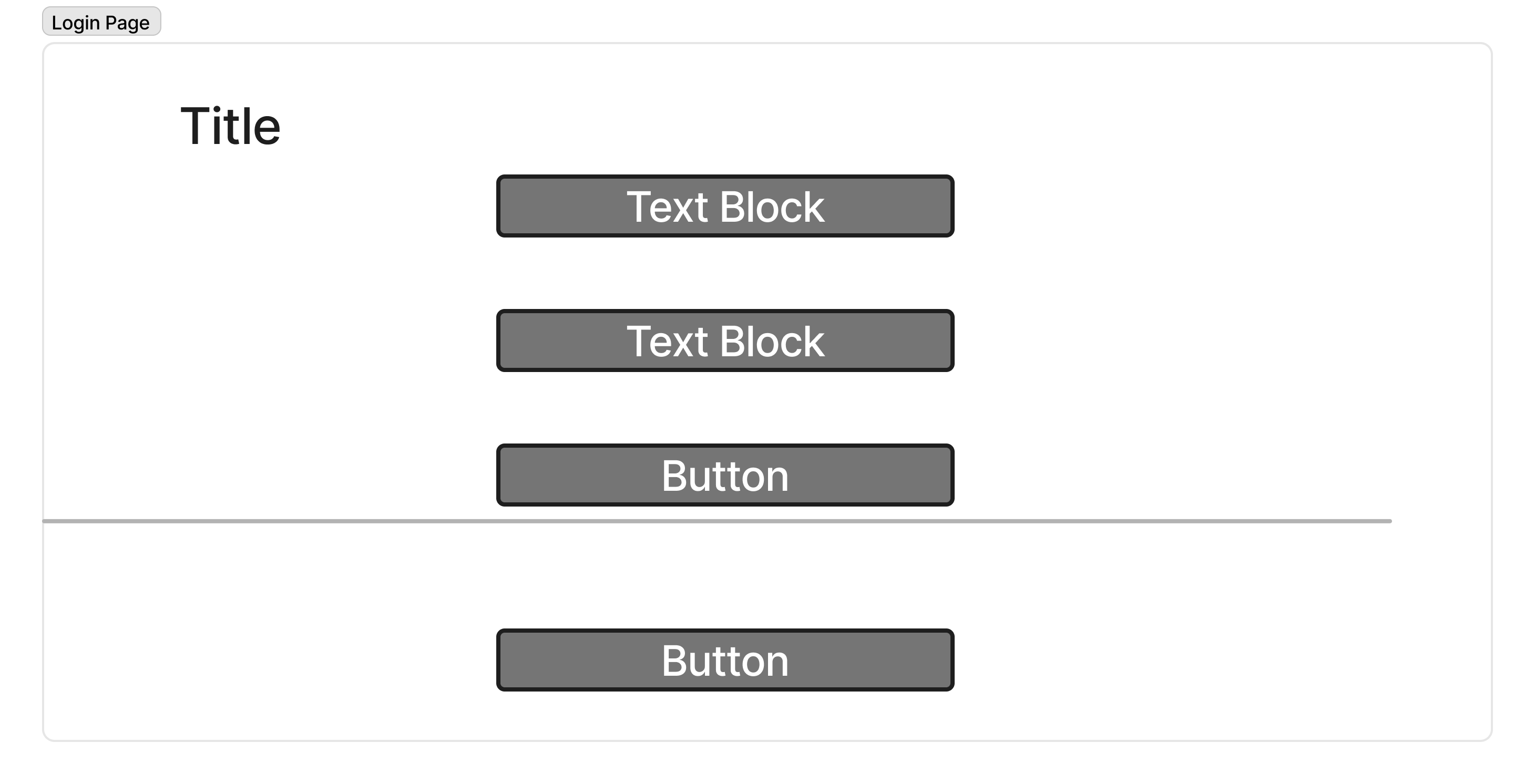
Entry Point 2 — Email / Account Login
Returning guests log in with email + password or Google SSO. On
successful login, the system automatically retrieves all upcoming
reservations — no Booking ID needed.
Wireframe
Hi-Fi
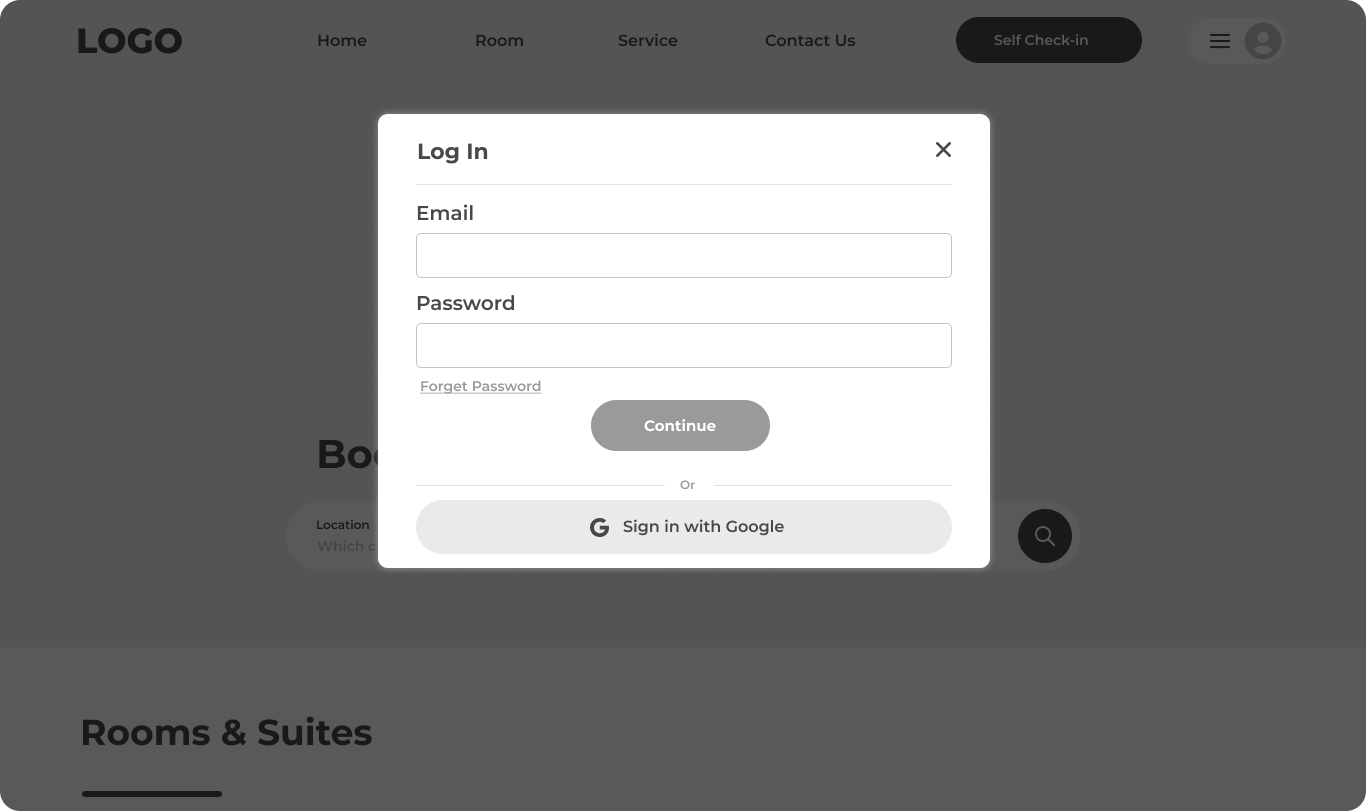
Login modal: Email + Password, Forgot Password link, Continue button,
and Google SSO — all within a single modal. No page navigation required
to authenticate.
Reservations — Choose Your Room
After authentication, the guest sees all upcoming reservations in a
clear card layout. Each card shows the Booking ID, property name, dates,
guest count, price, and a prominent "Check In" CTA. A status badge
("Booked") confirms the current state. An Upcoming / Past tab allows
viewing historical stays.
Reservations page: multiple bookings shown in a scannable card layout.
Booking ID is highlighted in blue for quick reference. "Check In" button
is right-aligned, consistent across all cards.
Design decision: When Booking ID check-in is used
(non-account path), only the matched reservation is shown — not all
reservations. This prevents guests from accidentally checking in to
the wrong booking and reduces cognitive load. The account login path
shows all upcoming reservations.
ID check-in path: only the matched reservation is surfaced — one
decision, one action, no ambiguity
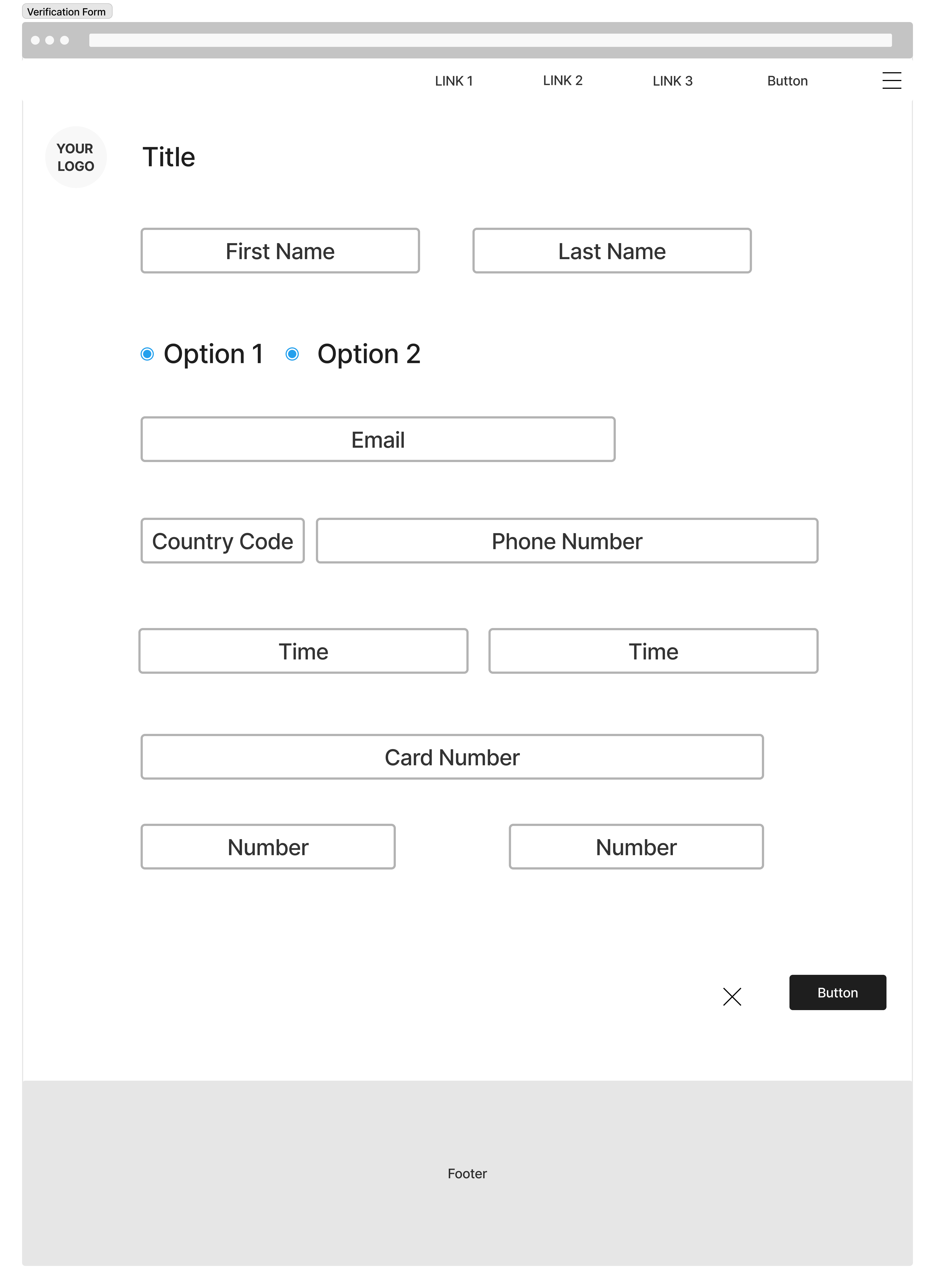
Check-in Form — Guest Information
The check-in form collects the minimum required information: name,
gender, email, phone (with country code selector pre-set to Thailand
+66), arriving time, number of guests, and credit card information. All
fields use labeled inputs with placeholder text — no inline icons that
could obscure typed content.
Wireframe
Hi-Fi
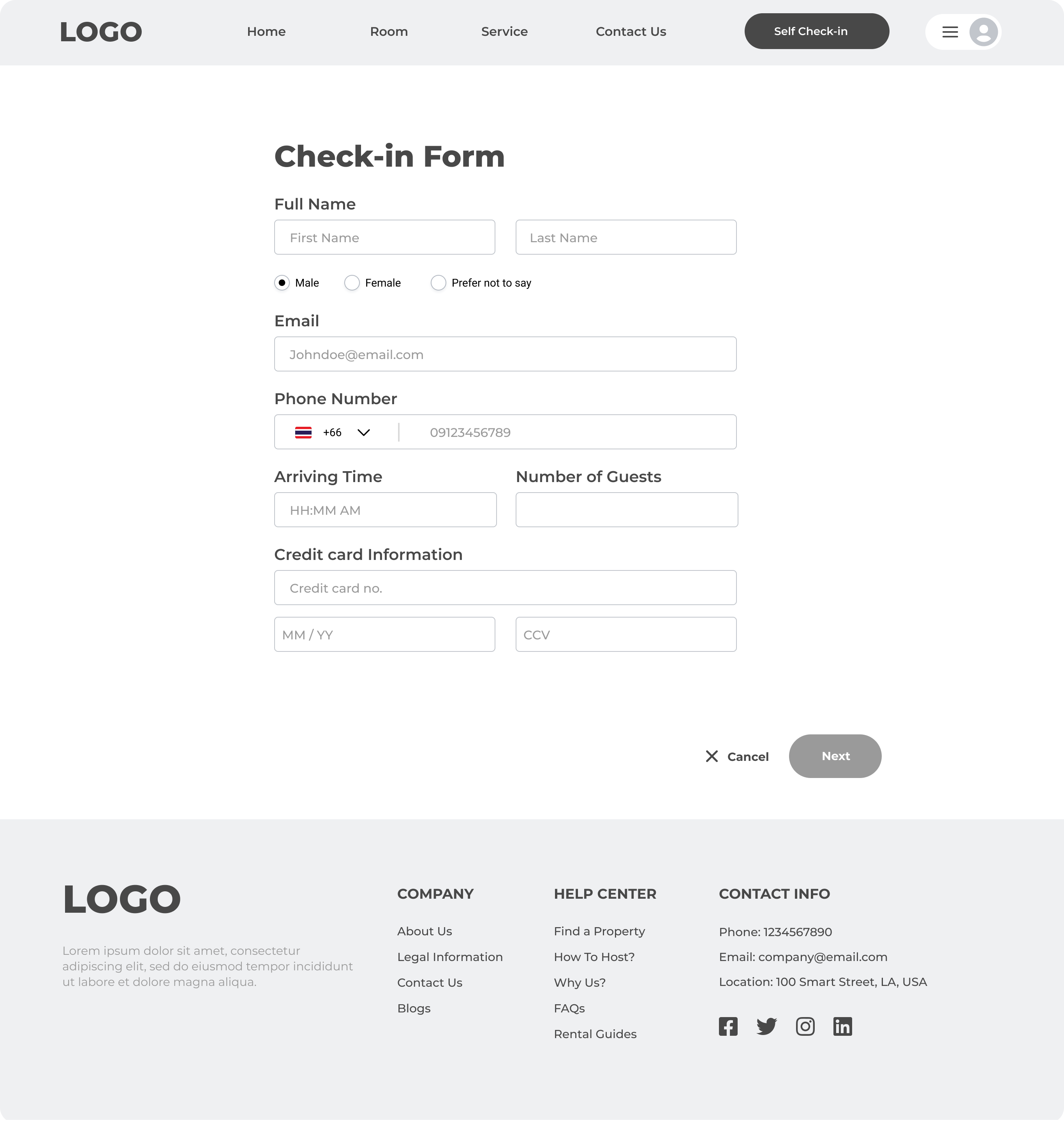
Check-in form: name split into First/Last fields, gender radio buttons
with "Prefer not to say" option, phone with Thai +66 flag pre-selected,
arriving time, guest count, and credit card section — all in a single
scrollable page with Cancel / Next at the bottom
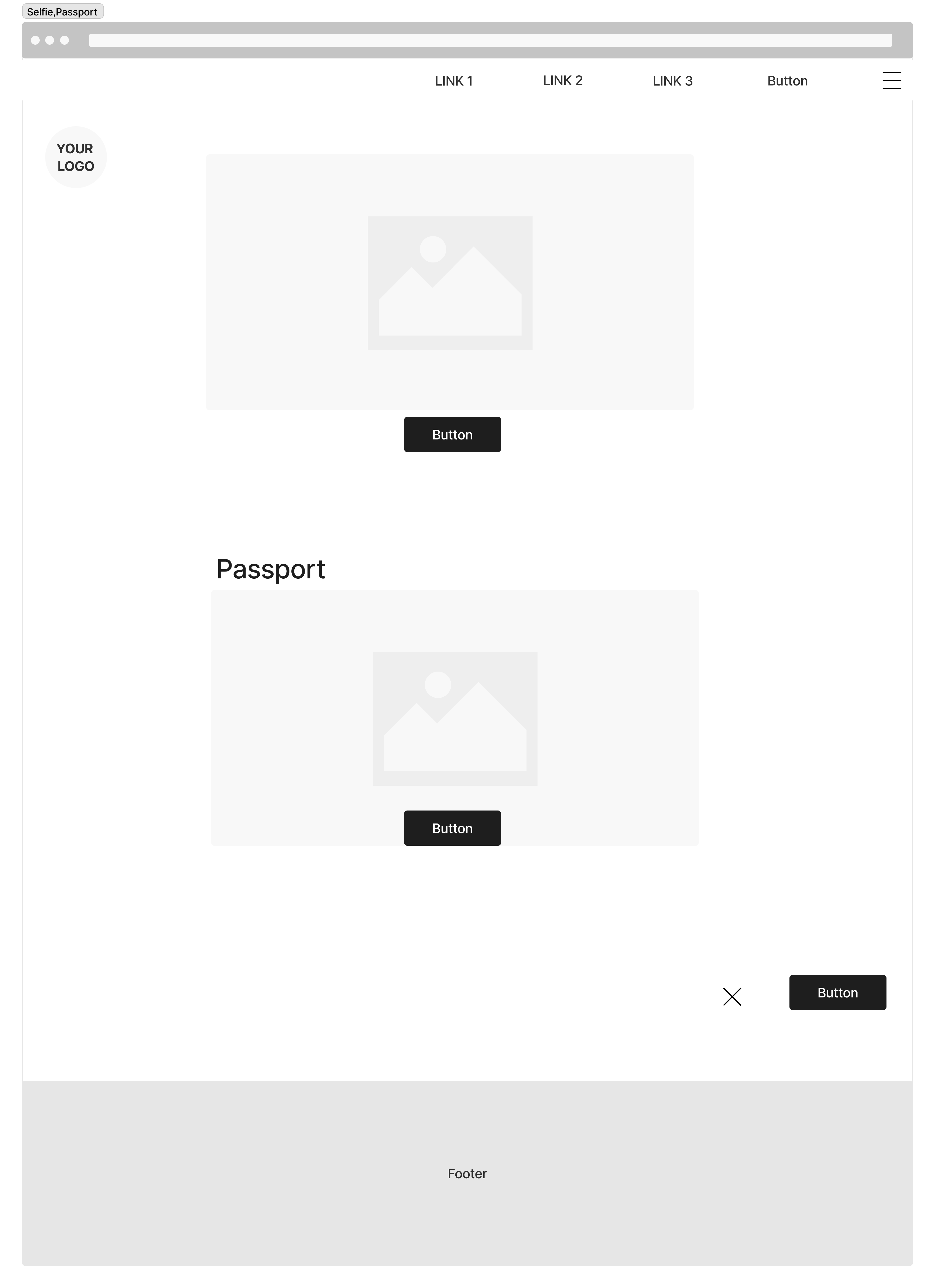
Identity Verification — Selfie + Passport
The second step of the form captures identity: a live selfie via device
camera, and passport upload for all guests via drag-and-drop or file
browser. Separating the form into two steps (personal info → identity)
prevents the single-page form from feeling overwhelming.
Wireframe
Hi-Fi
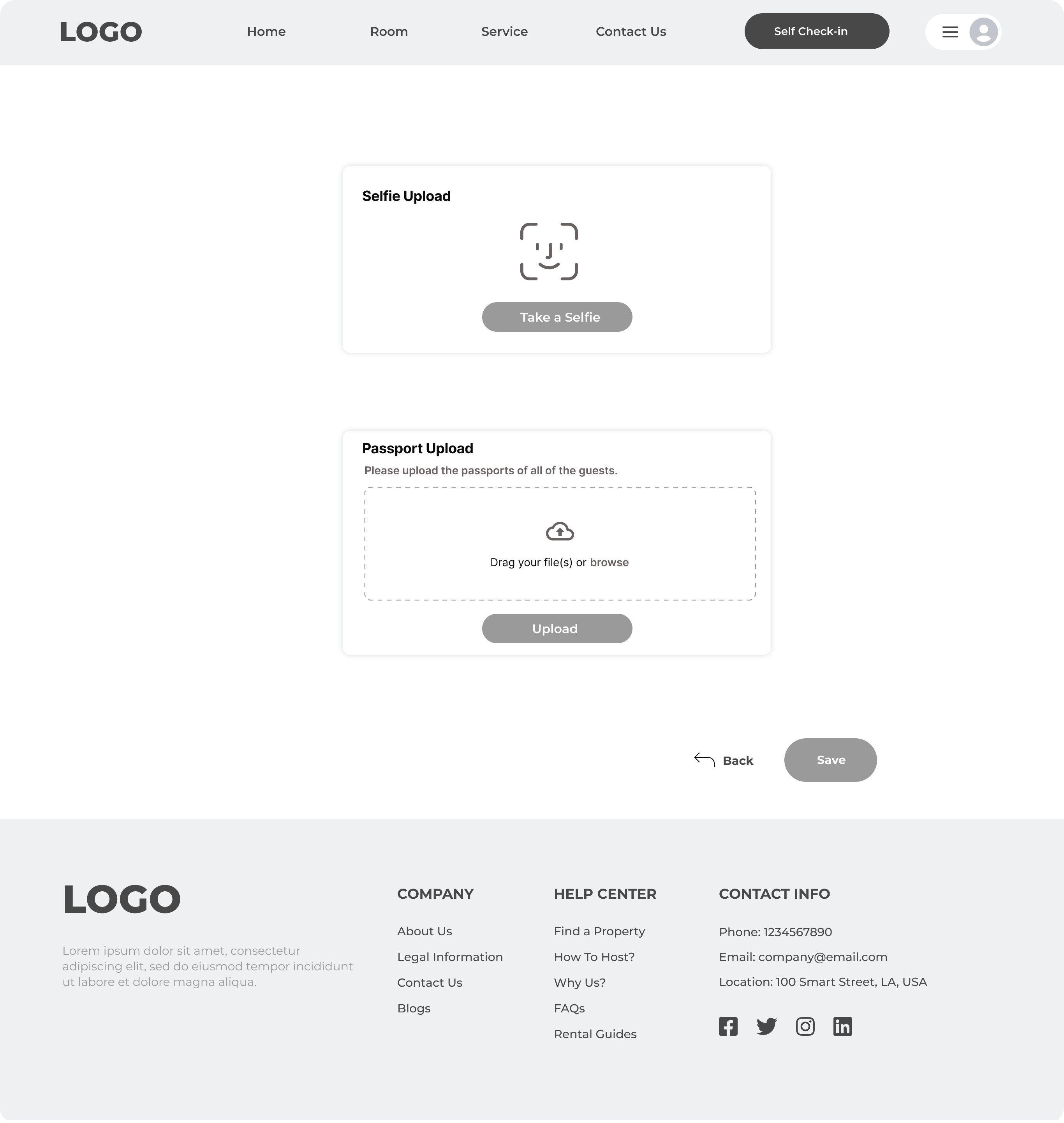
Verification step: face scan icon for live selfie (not static upload —
prevents photo spoofing), drag-and-drop passport upload zone for all
guests. Back / Save navigation at the bottom.
Confirmation Slip
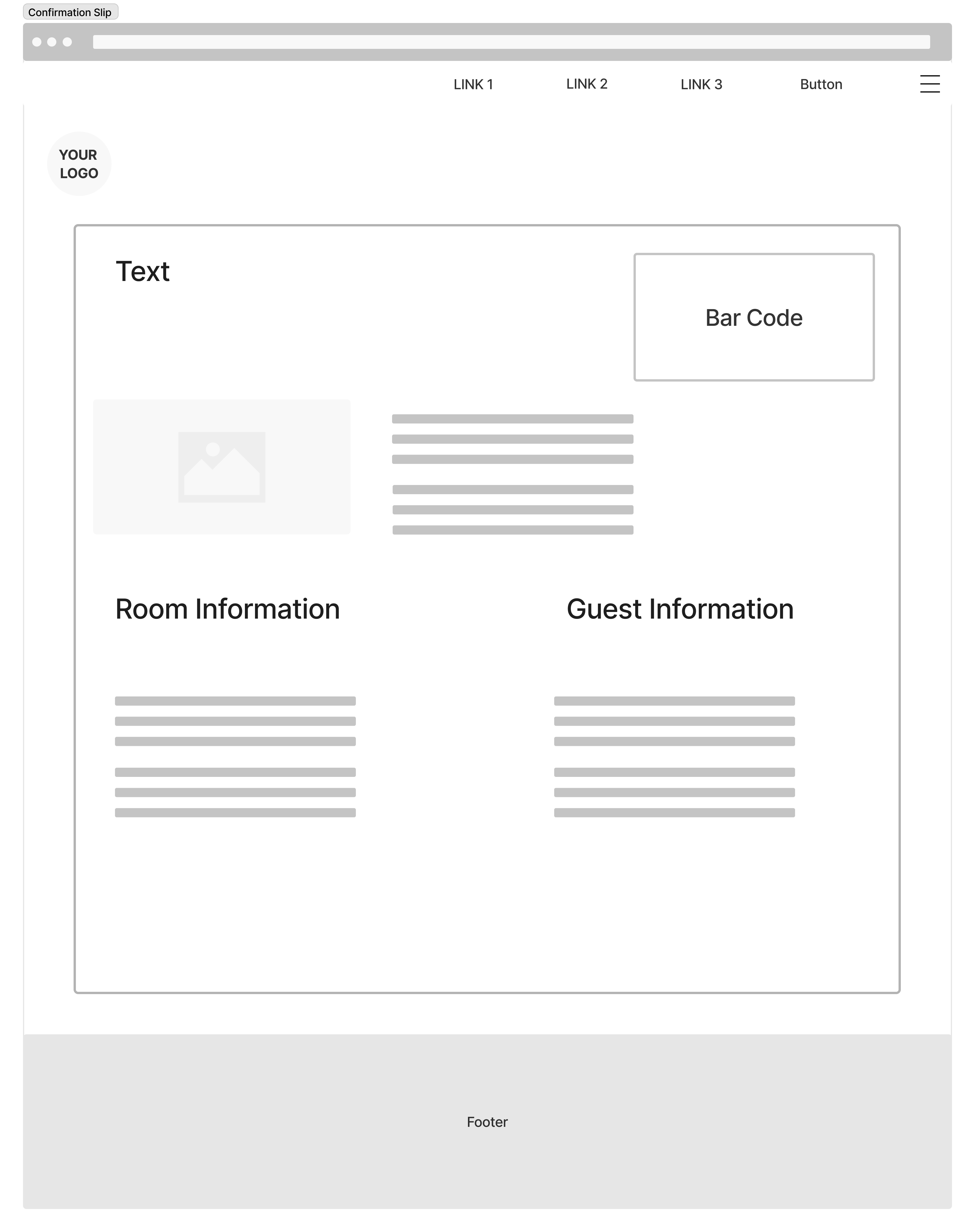
On successful check-in, a confirmation slip is generated with a barcode,
full booking summary, room details (type, price, meal plan, occupancy),
and guest information. The barcode serves as the room access credential
— no physical key required at arrival.
Wireframe
Hi-Fi
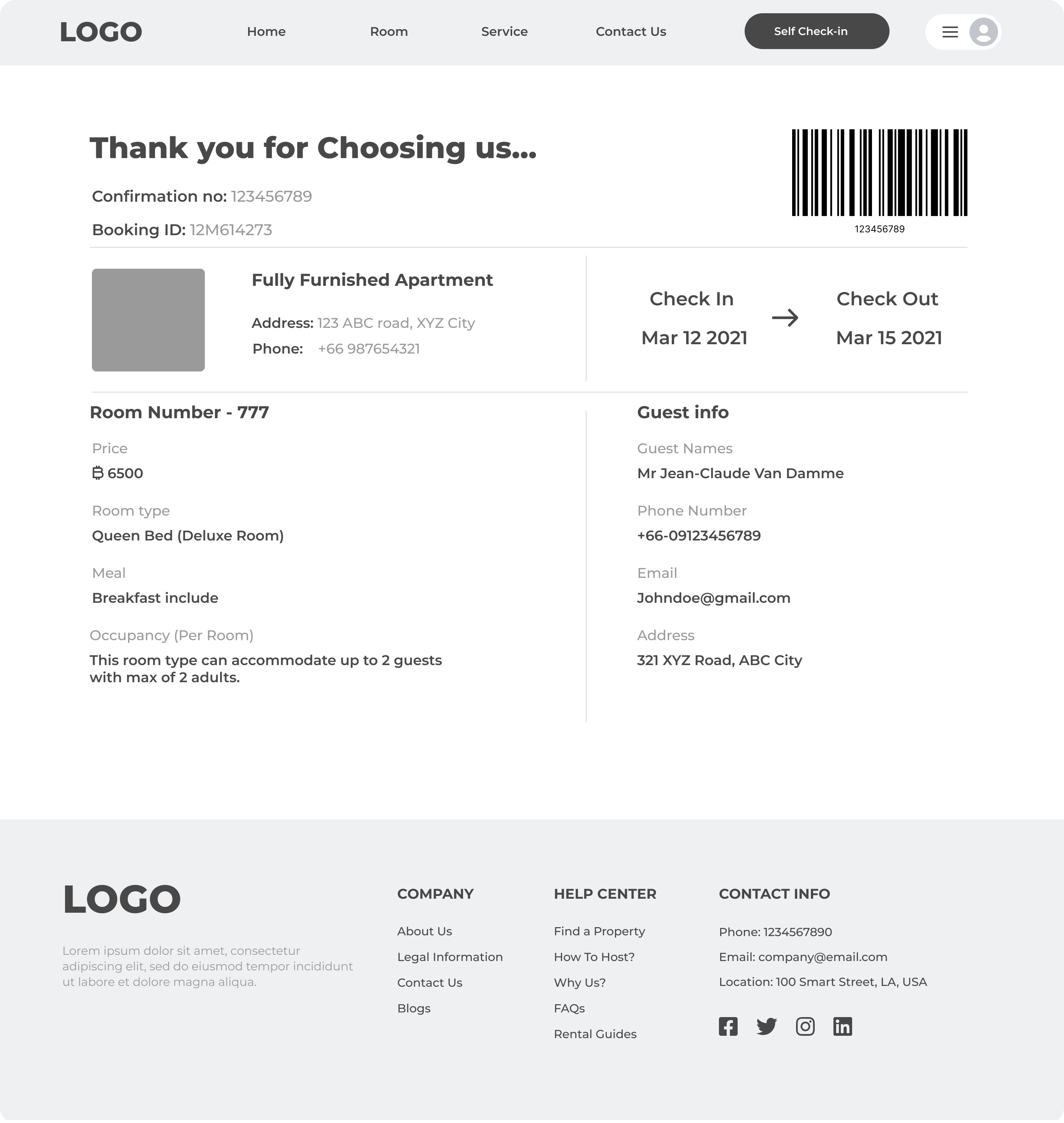
Confirmation slip: barcode at top-right, confirmation number and Booking
ID prominently displayed, room details on the left, guest info on the
right — mirroring a physical hotel receipt layout guests already
understand (Nielsen: Match Between System and Real World)